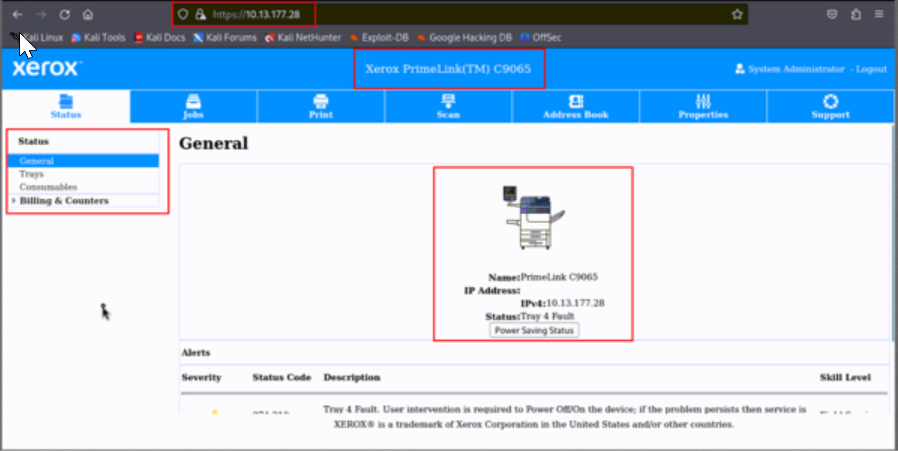
TELNET
Pentesting on Telnet
Telnet Protocol
Telnet - 23
- Telnet Server allows command line access to an embedded module over an IP network. Telnet is a protocol used on a network to provide a two-way interactive command line interface (CLI) using a virtual terminal connection. User data and Telnet control information is transferred on a data connection using TCP.
- The Default Port Number is 23.
1. Unencrypted Telnet Server:
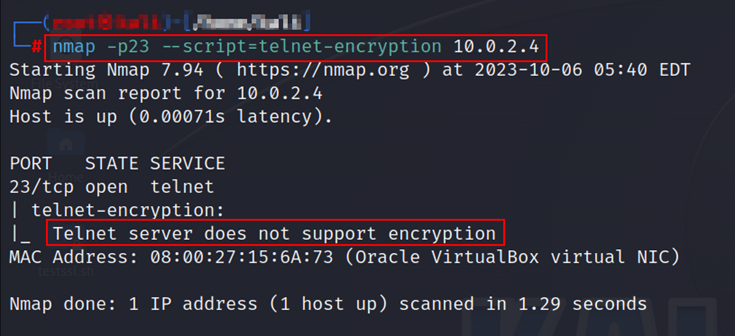
Step 1: Open the command prompt and run the following “Nmap” script:
1
nmap –p23 --Script=telnet-encryption <target IP>
Step 2: The following screenshots show that the server is unencrypted:
2. The remote server runs on the cleartext protocols
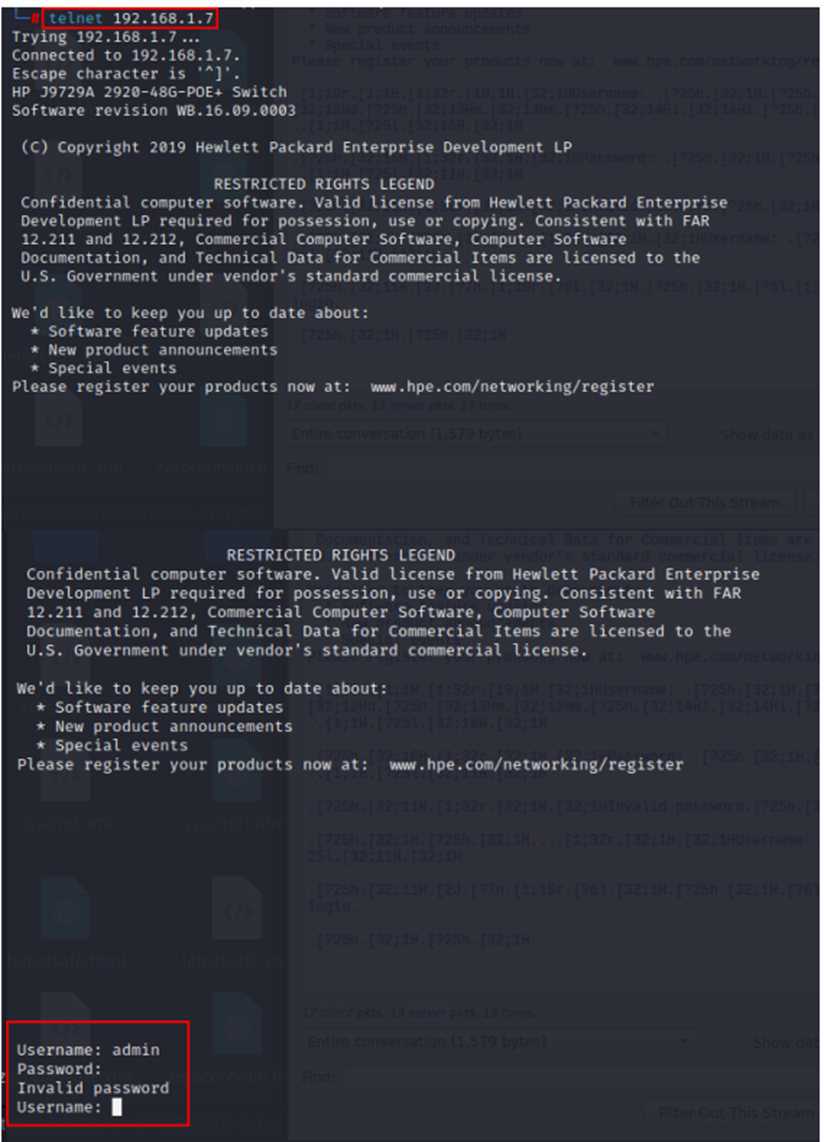
Step1: Go to Terminal. Connect to the IP address by entering the following command:
1
telnet <target IP>
Step2: Then, enter the following username and password, as shown in the screenshots below,
User Name: admin
Password:
3. An adversary can login with default credentials:
Affected Ports:
- 23/tcp
- 80/tcp
- 443/tcp
- 9100/tcp
- 515/tcp
- 8443/tcp
- 8082/tcp
Case 1
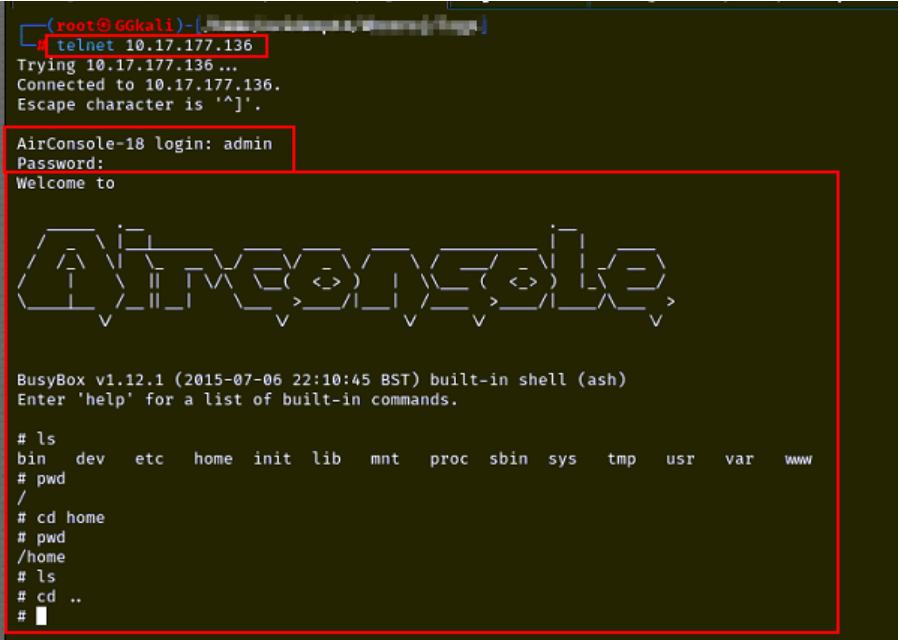
Step 1: Open the “TELNET” tool and enter the following command in the Linux terminal:
1
telnet <target IP>
Step 2: Enter “admin” as username and “1234” as password.
Step 3: The following screenshot shows that the Telnet server can be accessed with the default credentials.
Case 2
Step 1: Enter the following URL in the Address bar of the browser:
1
https://<target IP>
Step 2: Enter “admin” as username and “1111” as password, as shown in the screenshot below.
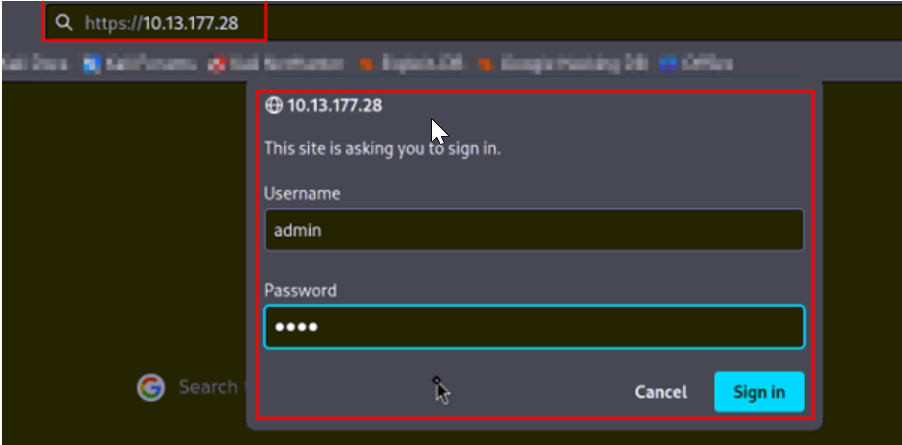
Step 3: The following screenshot shows that the webpage can be accessed by using the default credentials.